How Kantamigo works
A guitar night, step by step: from your songbook to a room full of friends singing along on their own phones.
Joining a friend's session? Point your phone camera at their QR code. You need nothing else.
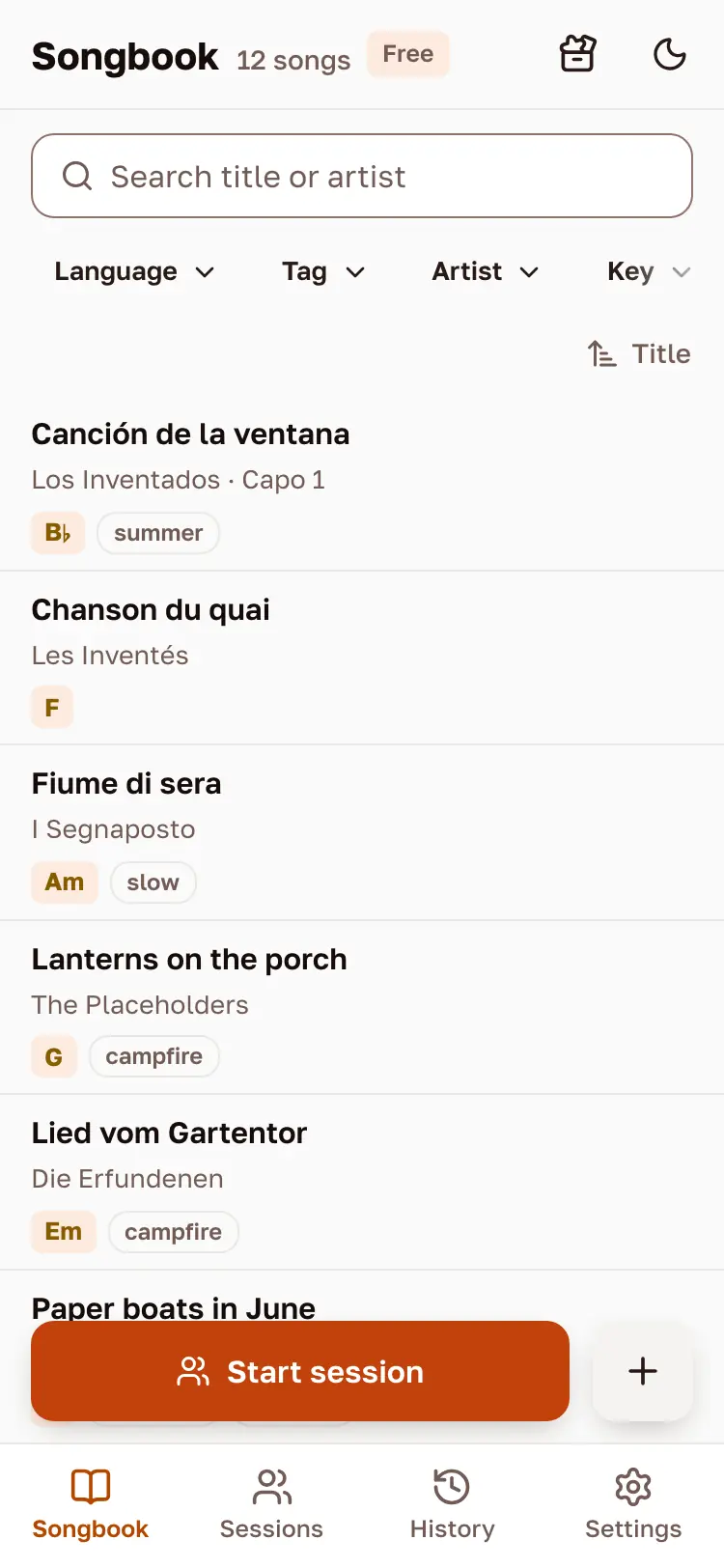
Keep your songs in one songbook
Paste a song with its chords, open a ChordPro file or import one page from a link. Your songbook is private: only you see it.
Play from your phone
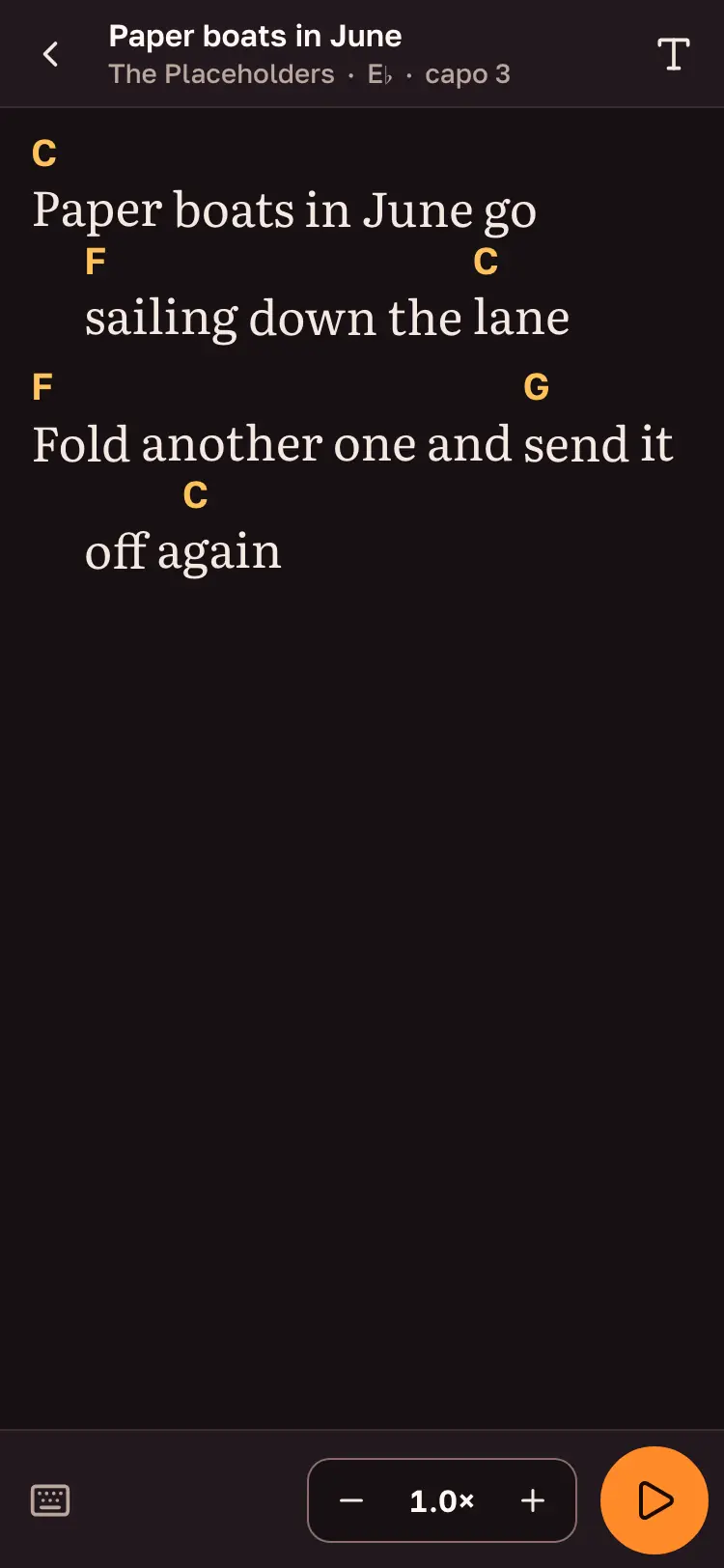
Open a song and the lyrics with their chords fill the screen, big enough to read on a stand. Change the key, set a capo and let it scroll by itself.
Start a session and show the QR code
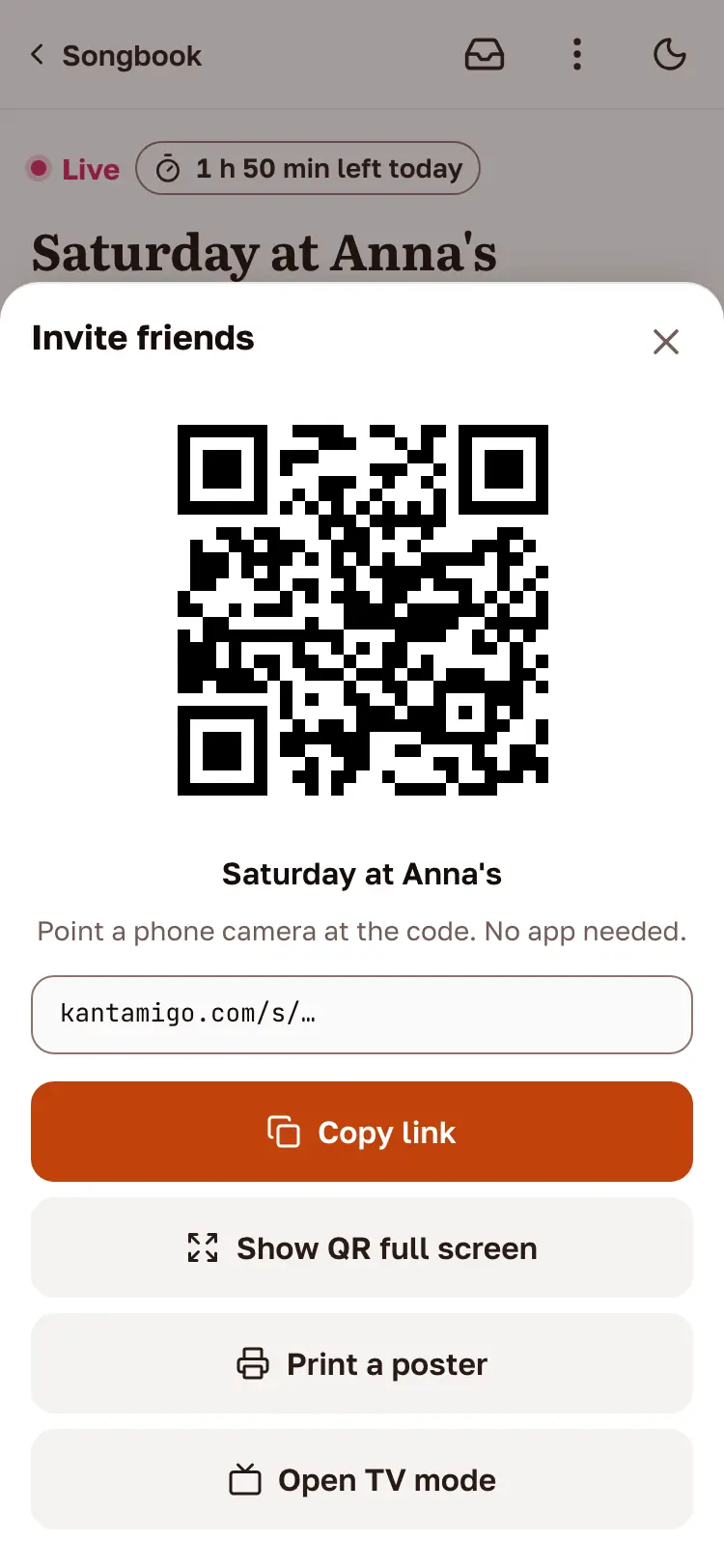
Friends point their phone camera at the code and join with any nickname. No app, no account.
Everyone sings from their own phone
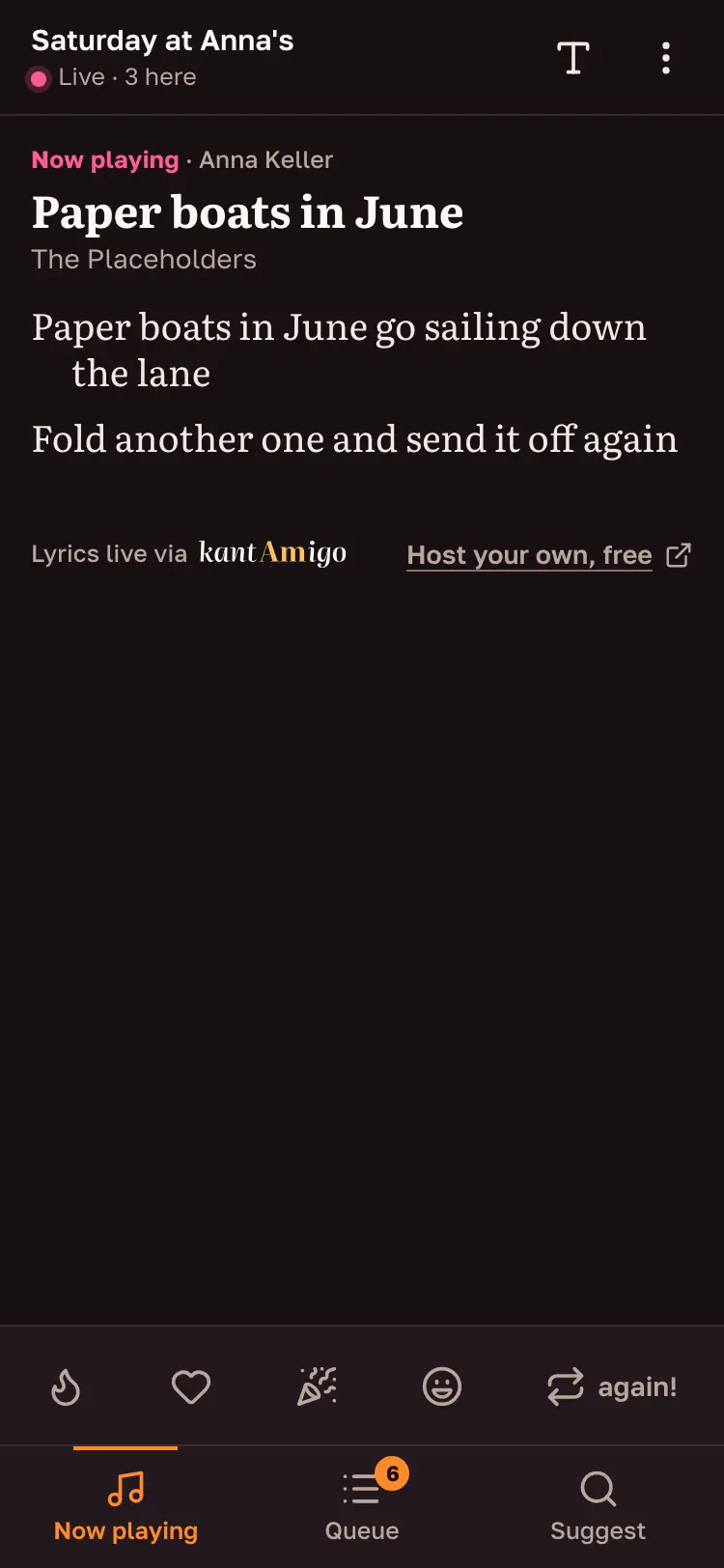
Guests see the lyrics of the song you are playing, and their screen follows you line by line.
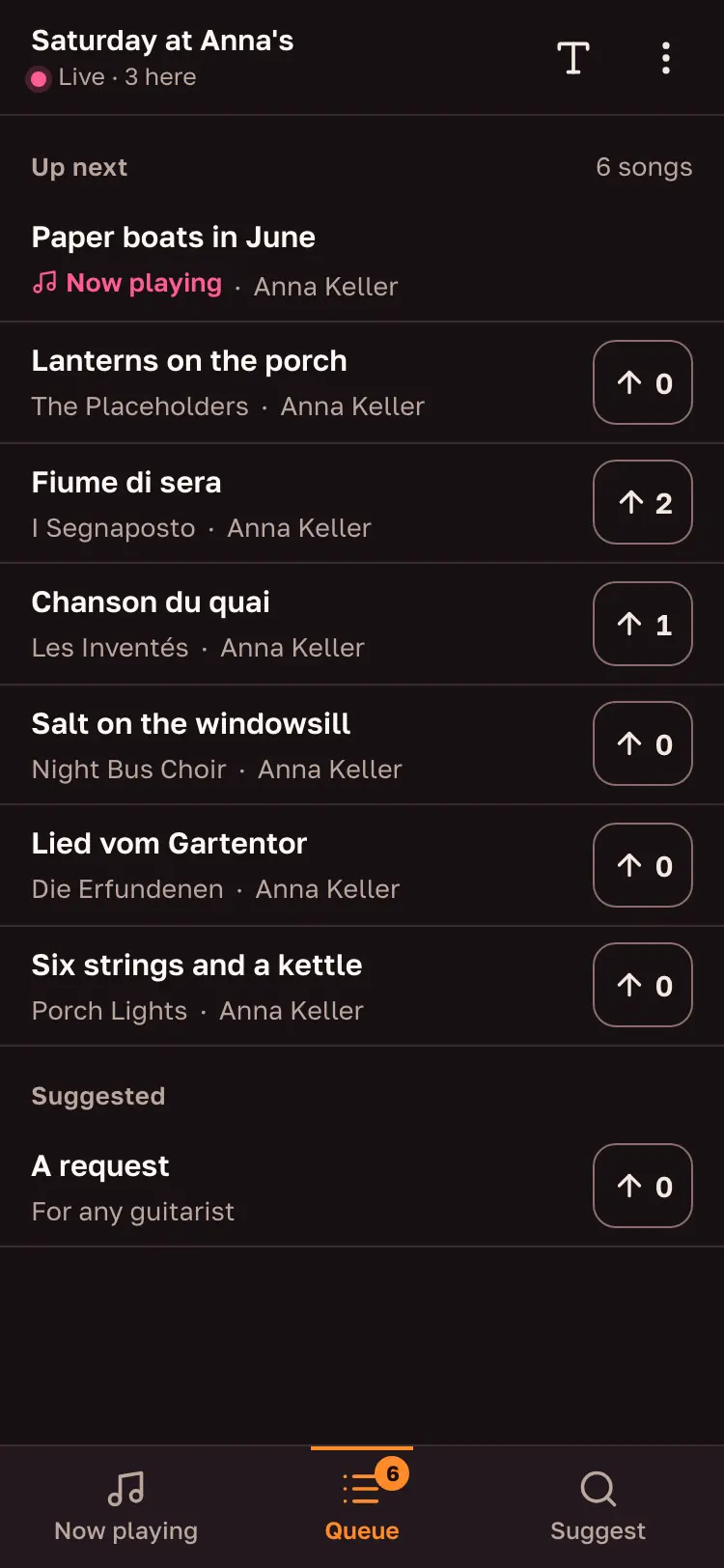
Let the room choose what comes next
Guests suggest songs from your songbook or ask for one in their own words, and vote for the next one. You decide what you play.
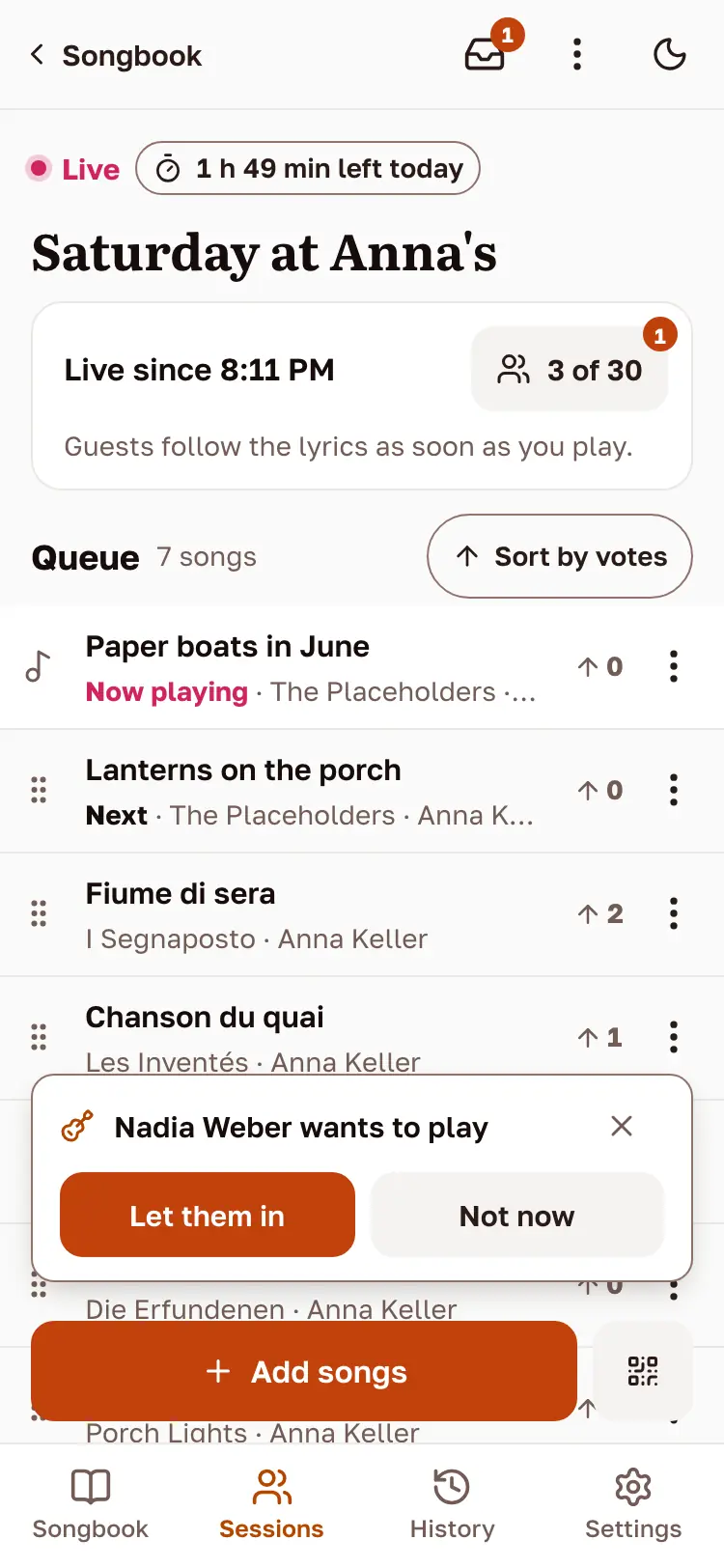
Pass the guitar
A friend who plays taps “I play too”. Let them in, and their songs join the same queue, so you take turns.


The songs and names on these screens are made up for the demo.